EVILBANE download and install
EVILBANE is not purchasable yet, so there is nothing to download for release. During a playtest the build installs from the Steam library entry created when your Playtest request is approved.
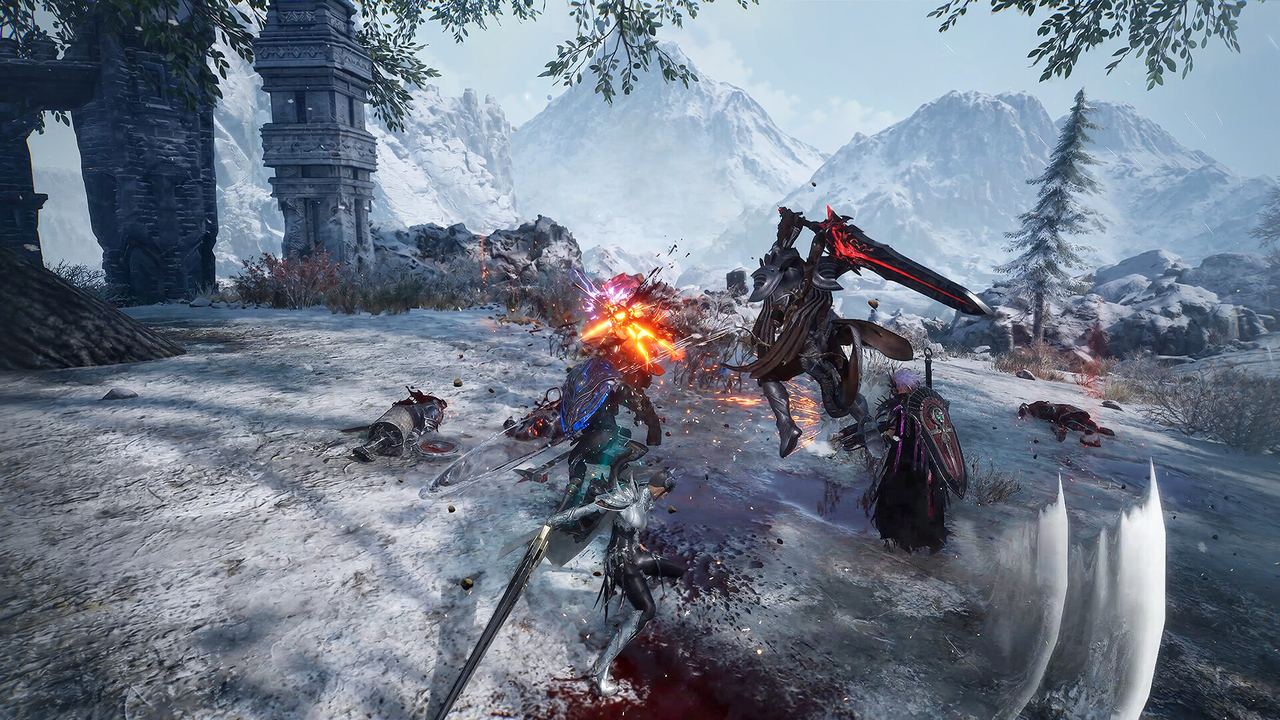 Official EVILBANE screenshot — Netmarble Monster / Netmarble.
There is nothing to download for release yet. EVILBANE is not purchasable, so no launch client exists and there is no store-to-library download to walk you through. What can be described is how an EVILBANE build arrives on a PC — which is what the October 2026 playtest showed — and the first-launch decisions that are worth making before you start.
How a build arrives
| Step | What happens |
|---|---|
| 1. Get access | A green Playtest button on the Steam store page during a test; approval took up to 24 hours |
| 2. Entry appears | The build shows up as its own entry in your Steam library |
| 3. Install | Steam downloads and installs it like any other game; storage is not published |
| 4. Launch | First launch asks you to set your Call Sign |
| 5. Anti-cheat | Easy Anti-Cheat runs alongside the game |
No download size has been published for EVILBANE in any build, so a storage plan is guesswork until the store page fills in that field.
Things to decide before you install
- Where it lives. Keep Steam games on a drive with room. If you install to a secondary drive, use Steam's own Move install folder rather than moving files by hand.
- Whether you want the anti-cheat. The store page states EVILBANE uses kernel-level Easy Anti-Cheat, and warns that it requires manual removal after you uninstall the game. That is a machine-level decision, not a game-level one.
- Who else shares the PC. The store page lists Family Sharing, which affects what a second account can and cannot launch.
- Whether your input device is ready. Both Xbox controllers and DualSense are supported, with full controller support listed as a feature rather than an option.
First launch: the settings that actually matter
| Setting | What to change | Why |
|---|---|---|
| Graphics → DirectX | Set to DX11 if you see stuttering or crashes | The official developer note recommends it for the FATAL ERROR crash and performance dips |
| Graphics → Display Mode | Use Borderless Windowed | Messenger notifications were glitching the screen in Fullscreen mode |
| Settings → Keyboard & Mouse | Rebind what you want | Movement keys are locked and cannot be changed |
| Audio → Voice Chat | On or Off, per player | Voice chat is built in; there is no text chat |
The DX11 advice is the single most useful item here. It is the official answer to the most common technical complaint about the build, and it costs one menu trip.
Crashes, in the order the developers suggest
- Switch to DX11 — Settings → Graphics → DirectX.
- Update the GPU driver.
- Check the required specification, particularly memory, against the store listing.
- Close conflicting programs - overlays, capture tools and messenger clients running outside the game.
- Report it in the bug-report channel on the official EVILBANE Discord.
Uninstalling
Because the anti-cheat is kernel level with manual cleanup, a clean uninstall is more than a Steam uninstall:
- Remove the game from Steam.
- Remove the Easy Anti-Cheat service it installed — the store page is explicit that this step is manual.
- Check that no anti-cheat service is left running at startup.
If you are waiting for release
- Wishlist the Steam page. It is the only official way to be told when the release date stops reading To be announced.
- Watch the news feed for app 3718160 — the playtest schedule, the content summary and the developer notes were all published there first.
- Skip the third-party download sites. No EVILBANE build has been distributed outside Steam, so anything else offering a download is not the game.