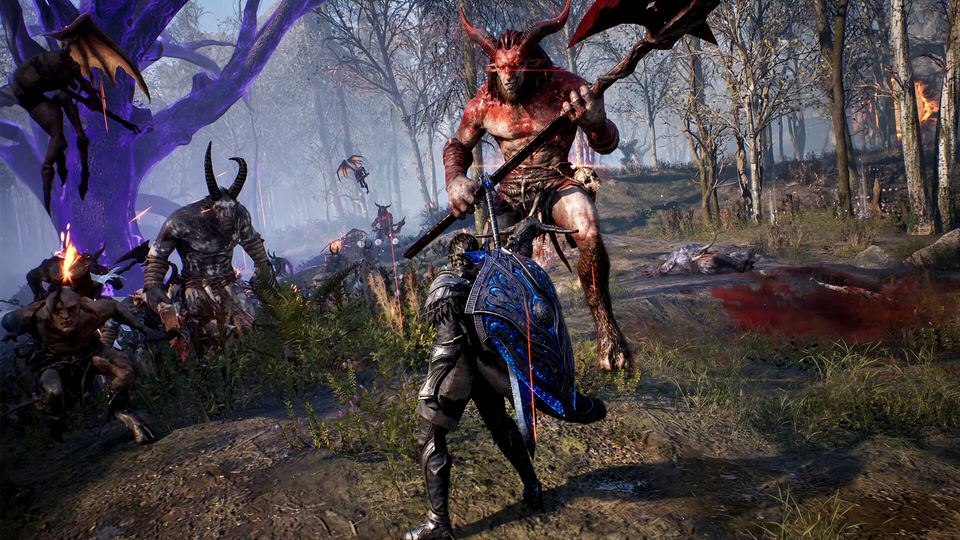
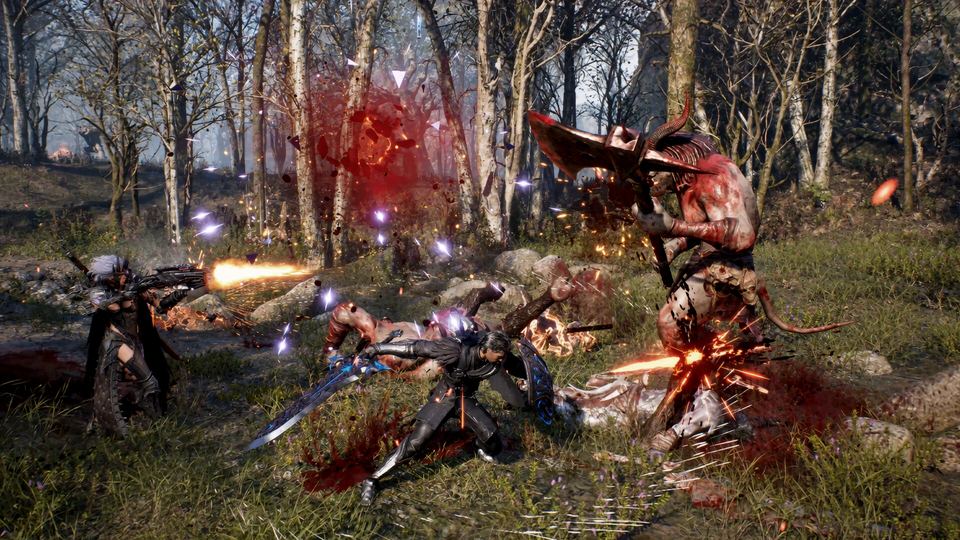
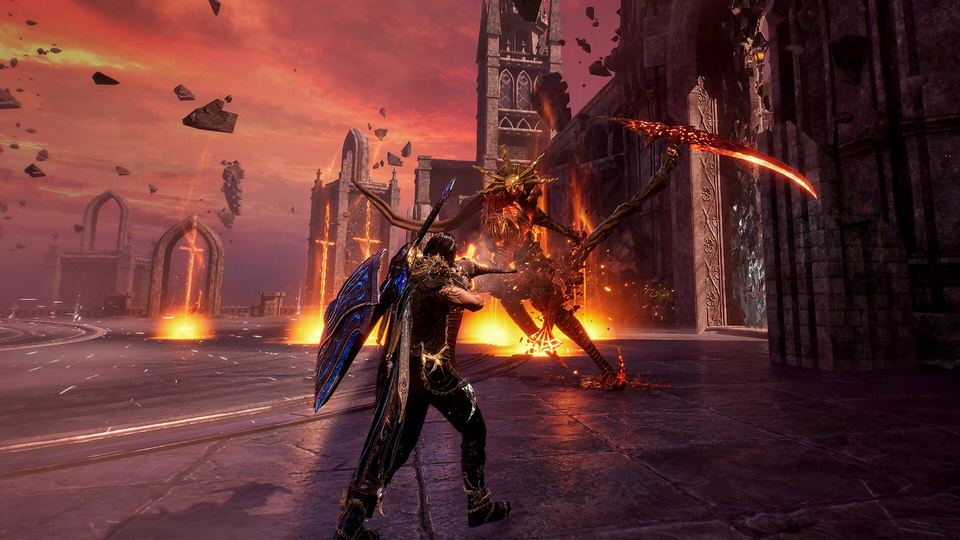
EVILBANE Steam playtest
The first EVILBANE playtest ran 15 October 2026 08:00 UTC to 19 October 2026 08:00 UTC on Steam. Access came from the Playtest button on the store page, requests were approved within 24 hours, and approved testers could send three invite codes.
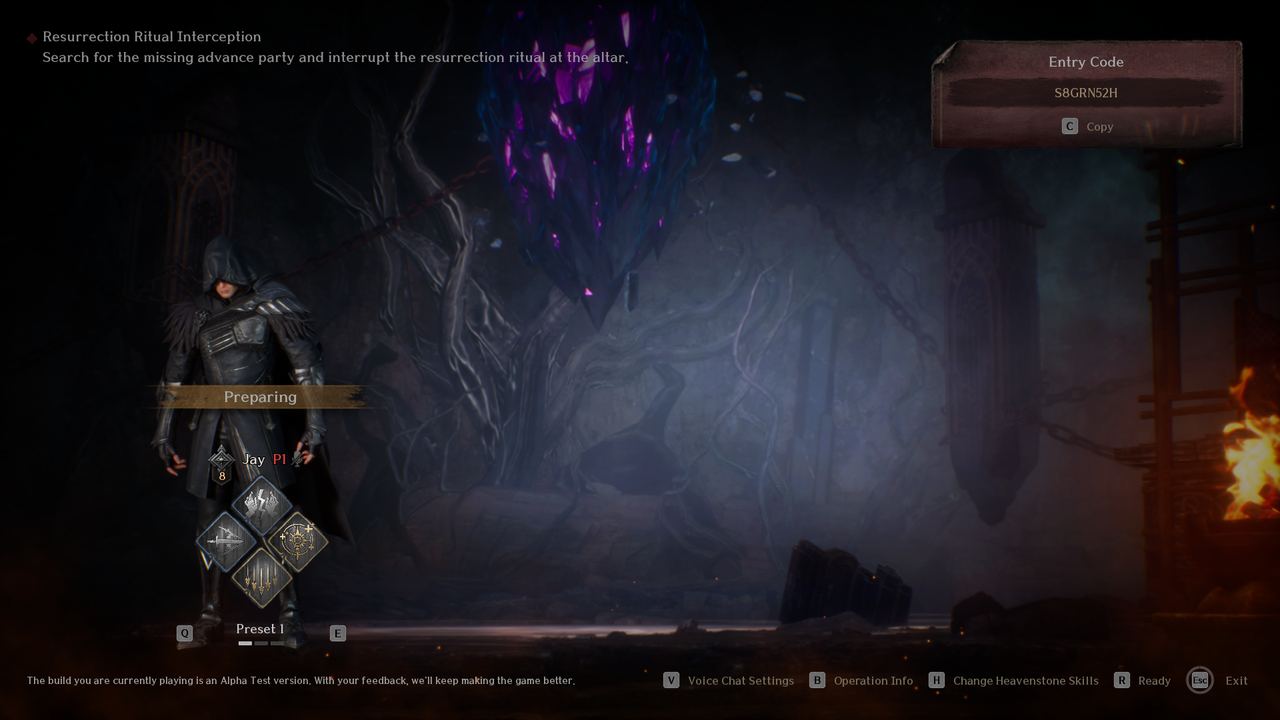 Official EVILBANE screenshot: Operation lobby — Netmarble Monster / Netmarble.
The first EVILBANE Steam playtest ran 15 October 2026 08:00 UTC to 19 October 2026 08:00 UTC. Access came from a Playtest button on the Steam store page, requests were approved within about a day, and approved testers could hand out three invite codes. It was the first time the public could play EVILBANE at all.
The schedule, in three time zones
| Time zone | Opens | Closes |
|---|---|---|
| UTC | 15 Oct 2026, 08:00 | 19 Oct 2026, 08:00 |
| Pacific (PDT) | 15 Oct 2026, 01:00 | 19 Oct 2026, 01:00 |
| Eastern (EDT) | 15 Oct 2026, 04:00 | 19 Oct 2026, 04:00 |
Five days, servers rolled back at the end. The announcement also noted that you could still request access after the test opened — approval simply took up to 24 hours from the request.
How access worked
- Request access from the Playtest button on the EVILBANE Steam store page.
- Wait for approval. The official post put this at within 24 hours; approved accounts got a playtest build in their Steam library.
- Send invite codes. Each approved tester could send playtest invites to up to three people, and only to accounts that had been on their Steam friends list for at least 30 days.
- Invite three friends, play as four. Operations take up to four players, which is exactly what the invite allowance was shaped around.
- No NDA. Streaming, recording and sharing footage was allowed outright.
What the test contained
| System | Scope in the first playtest |
|---|---|
| Operations | 13 across Easy, Normal and Hard |
| Heavenstone skills | 18, split across attack, support and recovery types |
| Melee weapons | 6, across one-handed sword and greatsword |
| Ranged weapons | 7, across crossbow, scattershot bow and magic orb |
| Progression | Weapon enhancement and rune engraving |
| Character creation | Gender, hair, face, eyes, skin tone, face tattoos, costume |
| Voice | In-game voice chat; no text chat |
| Private play | Private Operations with a shareable Operation code |
| Languages | Korean, English, Japanese, Simplified and Traditional Chinese, Spanish, Portuguese, German, Russian, French |
The two things testers had to remember
Realising the build was a test build
The playtest client said so on every menu screen. It carried placeholder UI and translations, unfinished balance, and an official warning that crashes were possible. If something looked inconsistent — a resource count that did not match a tooltip, a translation that read oddly — the announcement already told you why.
If you are chasing a crash rather than a balance problem, the official first step is to switch the renderer: Settings → Graphics → DirectX → DX11. The developer note advises it for stuttering, performance dips and the FATAL ERROR crash screen, alongside a GPU driver update and closing background overlays.
Sharing a private session
Private Operations were the intended way for friends to group up:
- Create a Private Operation from the round table and share the resulting Entry Code with your group.
- Each friend opens Join Private Operation and enters the code.
- Use Discord for the code itself — the playtest build had voice chat but no text chat, so there was nowhere in-game to paste it.
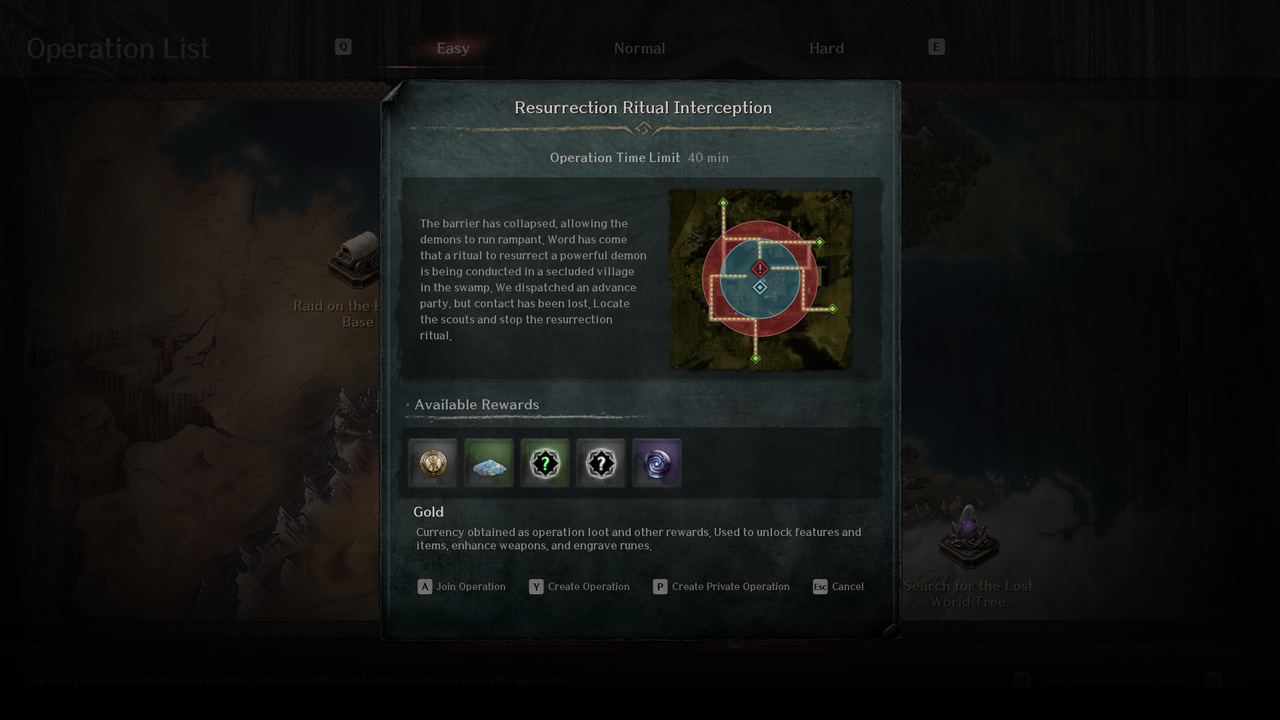 Official EVILBANE screenshot: Operation detail — Netmarble Monster / Netmarble.
After the test
The build is gone from libraries, the data is wiped, and the next dated milestone is the release itself. What the playtest established is that the loop — pick an Operation, equip one melee and one ranged weapon, spend a 10-point Heavenstone budget, clear it or lose your loot — is the game Netmarble intends to ship.