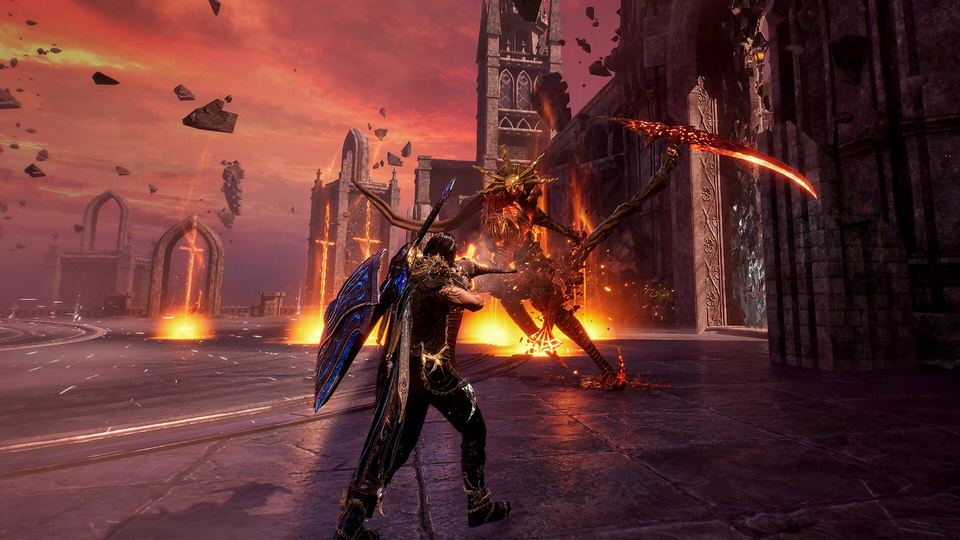
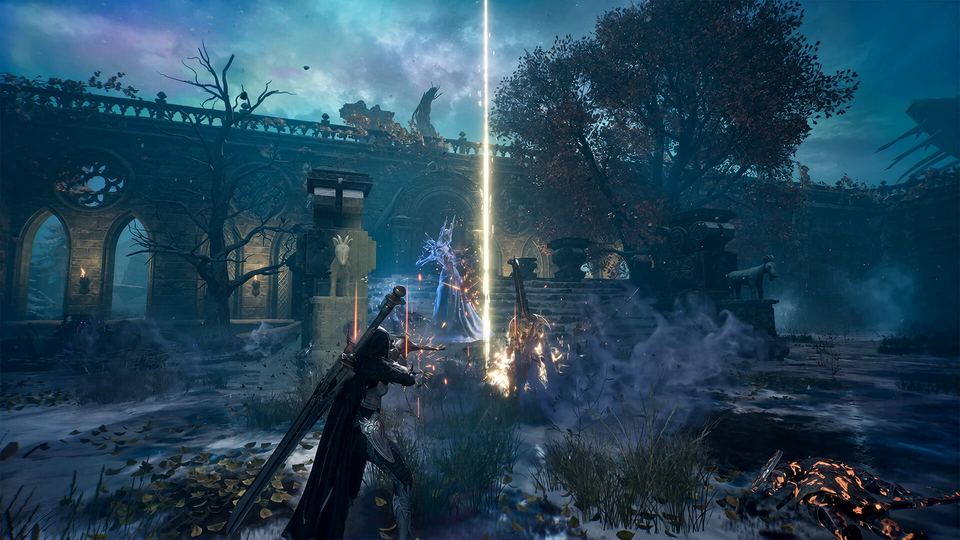
EVILBANE headquarters
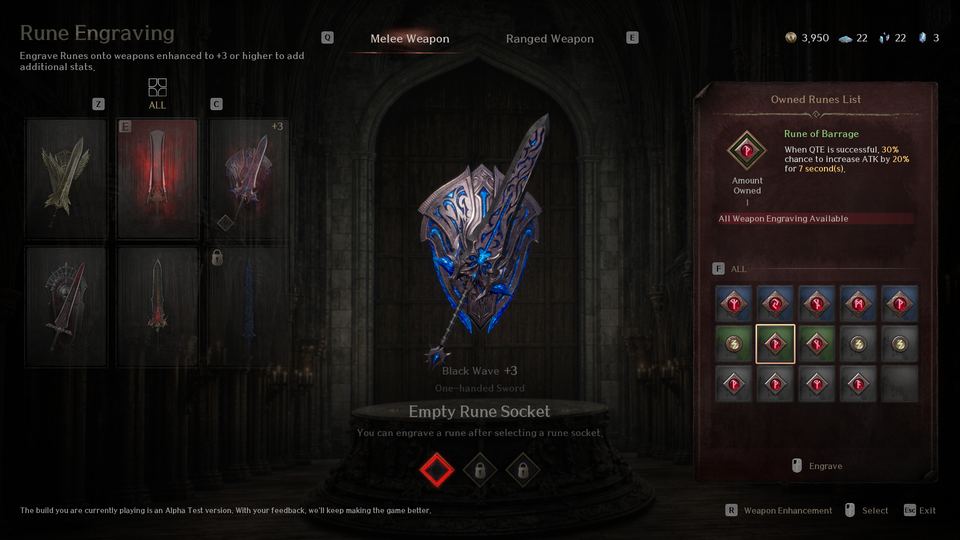
The Headquarters is where everything is configured: Rodrik upgrades weapons and engraves runes, Lillian unlocks and swaps Heavenstone skills, the equipment display stand holds your presets, and the round table starts Operations.
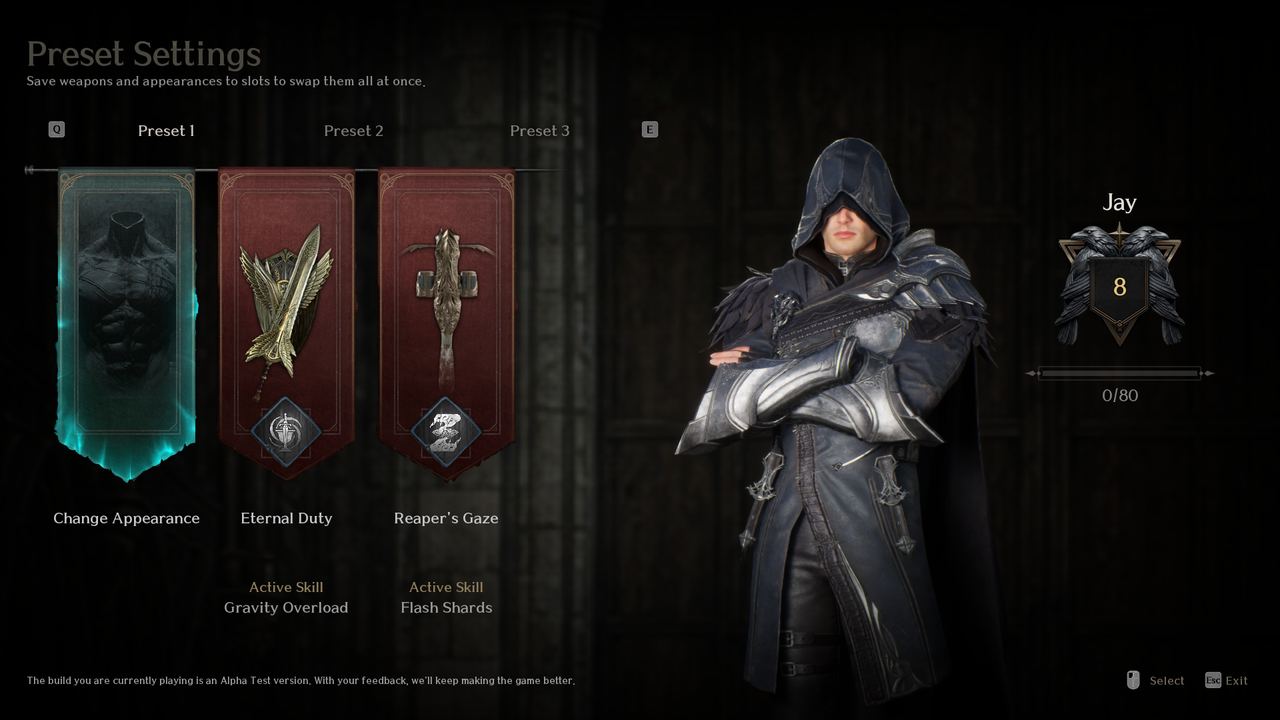 Official EVILBANE screenshot: preset settings — Netmarble Monster / Netmarble.
The Headquarters is EVILBANE's hub, and almost everything you configure sits inside it. The official FAQ maps it out station by station, which makes this one of the few parts of the game that is fully documented: where to upgrade a weapon, where to swap a Heavenstone, where to change your look and where to start a mission.
The stations
| Station | Who or what | What you do there |
|---|---|---|
| Weapon upgrade | Rodrik | Enhance weapons, and engrave or replace runes |
| Heavenstone desk | Lillian | Unlock and swap Heavenstone skills |
| Equipment display stand | Presets | Change appearance and weapons together, per preset |
| Round table | Operation select | Pick an Operation or join one in progress |
| Help | Information board | Look up what you need while playing |
| Survey point | Press R (gamepad: menu button) | Fill in the official feedback survey |
Note the split: Rodrik handles the weapon's numbers, Lillian handles your abilities. They are separate desks, and the two systems do not overlap.
Presets, and why they matter more than they look
The display stand next to Rodrik stores Presets, and the official screenshot shows three of them, each holding an appearance and a weapon-and-skill identity at once:
- Preset 1 — Change Appearance. The slot used to redo how your character looks.
- **Preset 2 — the Eternal Duty weapon with the Active Skill Gravity Overload.**
- **Preset 3 — the Reaper's Gaze weapon with the Active Skill Flash Shards.**
The description is explicit that a preset saves weapons and appearance so you can swap them all at once. In a game with no classes, three presets are effectively three builds on a shelf.
Running the hub efficiently
- Enhance before you engrave. Nothing gets a rune socket below +3 enhancement, so a trip to Rodrik has a natural order.
- Fix your Heavenstones in the lobby, not at HQ. If the run has already formed, press H (X on a gamepad) while waiting and swap there instead of leaving.
- Set your Call Sign carefully. It is chosen the first time you launch the game, and during the first playtest it could not be changed afterwards.
- Replay the tutorial from the menu. ESC (or the menu button) → Replay Tutorial, if you want the movement and combat refresher.
- Use Help for controls. Key bindings live under ESC → Settings → Keyboard & Mouse, and movement keys are locked from rebinding.
What you can actually do at the hub in a test build
The official playtest FAQ lists it plainly: customise the character, change and upgrade weapons, equip runes, select Heavenstone skills and take on Operations — and unlock locked weapons, Heavenstones, customisation options and Operations. That is the whole loop, and all of it is reachable from this one room.
The information the hub does not give you
There is no training dummy, no damage log and no in-game stat sheet in the documentation. You learn a build by running it. The upside of that is that a loadout you dislike costs nothing to change; the downside is that comparing two weapons means clearing an Operation with each.
Related
- Weapons — what each weapon type does before you take it to Rodrik.
- Enhancement and runes — the full material and socket rules.
- Heavenstone skills — how Lillian's 10-point budget works.
- Operations — what to do at the round table.